Jasmin GUI: Ozeki browser based user interface vs text files
This page demonstrates how Ozeki SMS Gateway’s browser‑based graphical interface replaces Jasmin SMS Gateway’s traditional text‑file and telnet CLI workflow with a modern, point‑and‑click administration experience. Through side‑by‑side screenshots, it shows how common tasks—such as configuring SMPP connectors, defining HTTP APIs, managing users, setting up routing rules, and inspecting messaging and protocol logs—are performed in Jasmin by typing commands or editing configuration files, while the same operations are handled in Ozeki via structured web forms, visual tables, and integrated log viewers. The result is a faster, more intuitive setup and troubleshooting process that reduces reliance on command‑line expertise and manual log parsing.
How to modify Jasmin config and check logs
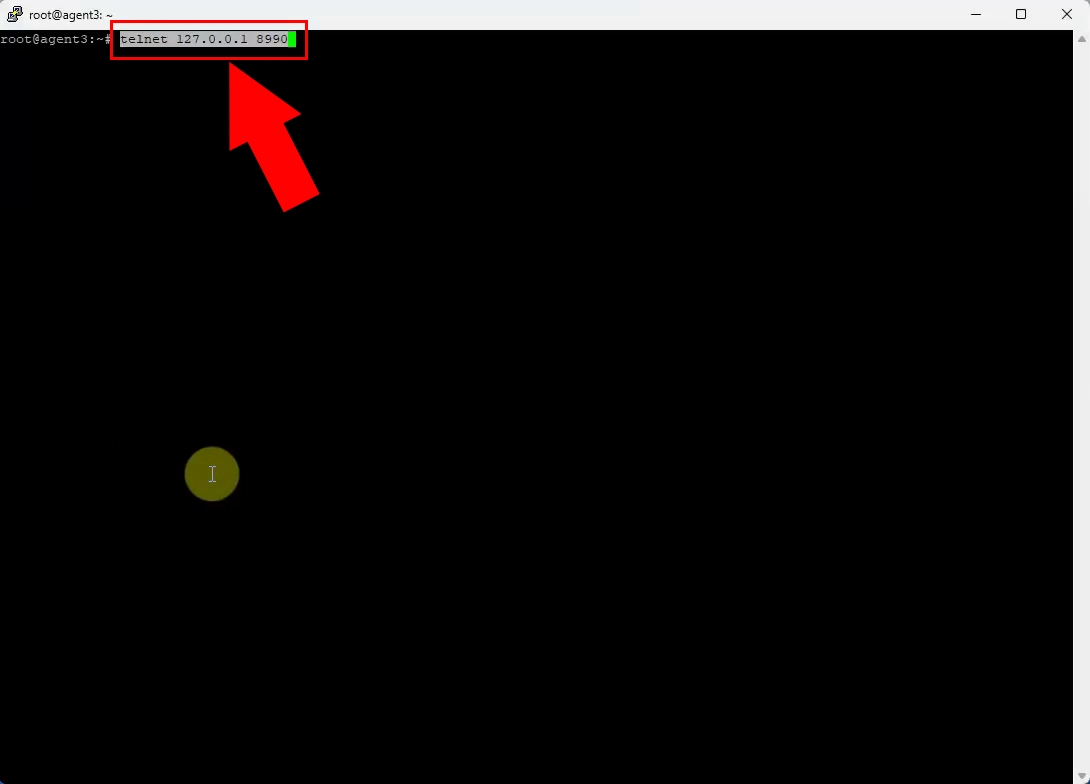
Jasmin is configured via a command‑line telnet session where administrators type text commands into a terminal. Ozeki replaces this with a graphical web interface where the same actions are performed by clicking forms and menus in a browser. This removes the need to memorize CLI syntax and makes configuration accessible to non‑technical users.
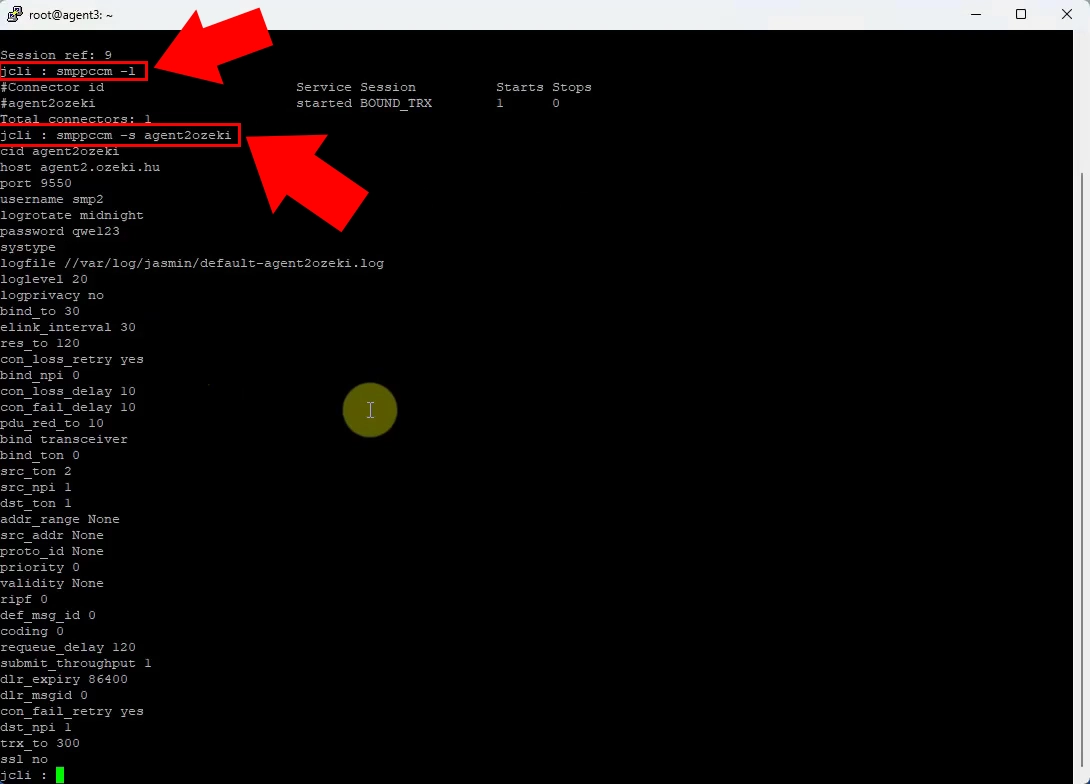
In Jasmin, SMPP settings are inspected and edited as plain text parameters inside the telnet console. Ozeki shows these SMPP parameters in structured dialog boxes with labeled fields, validation, and help text. The browser UI reduces misconfiguration risk compared to manually editing text values.
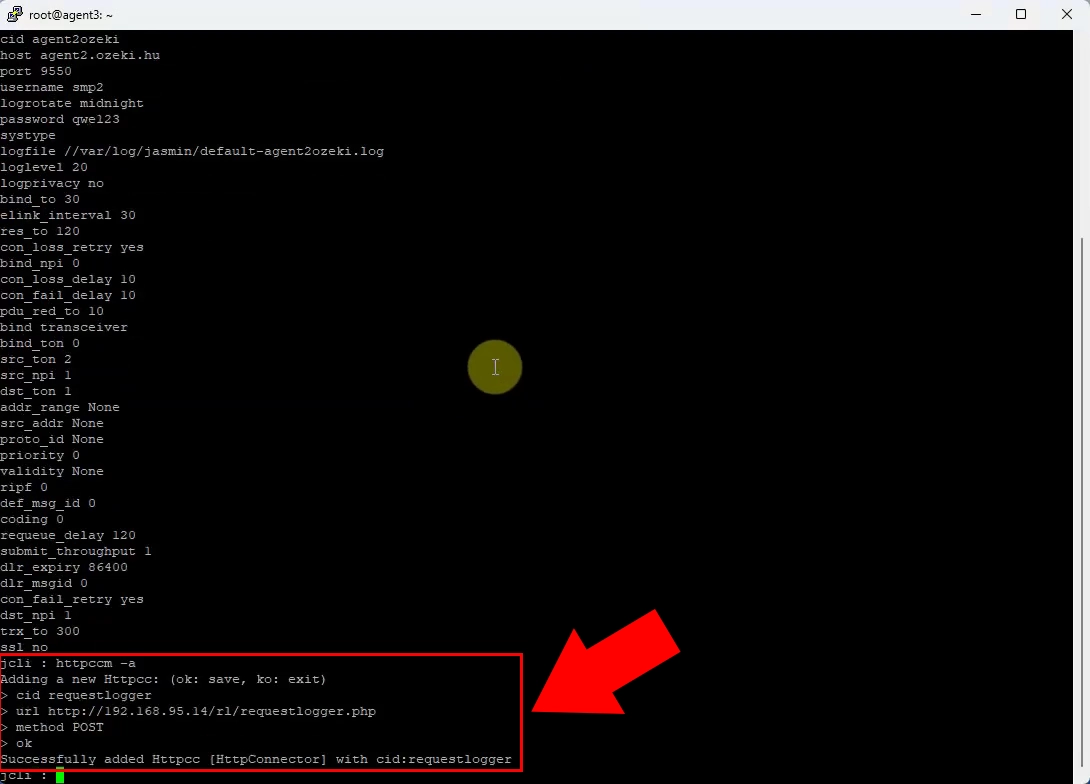
Adding HTTP API configuration in Jasmin requires issuing specific text commands in the CLI environment. Ozeki provides dedicated HTTP API configuration pages where endpoints, authentication, and routing options are set via form controls. This makes HTTP setup faster and visually verifiable instead of command‑based.
Jasmin routing rules are defined and reviewed as text‑based routing tables entered through the console. Ozeki displays routing rules in a visual list with clear source/destination columns and editable rows. The GUI makes it easier to understand and modify complex routing logic at a glance.
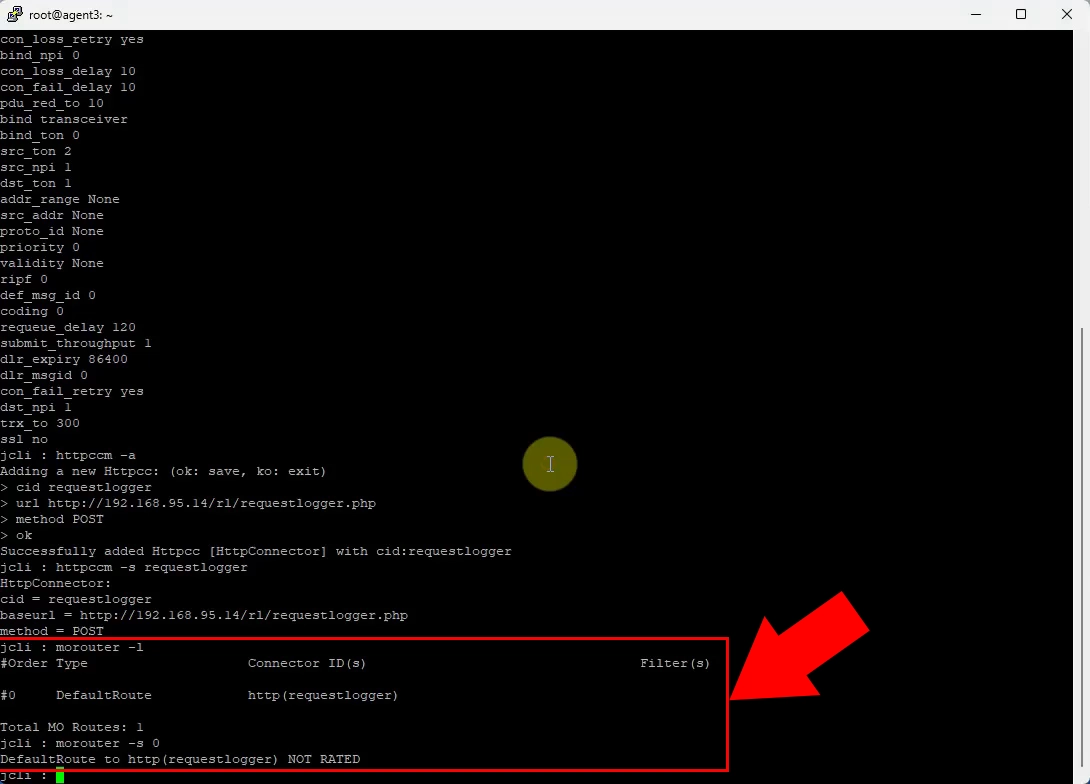
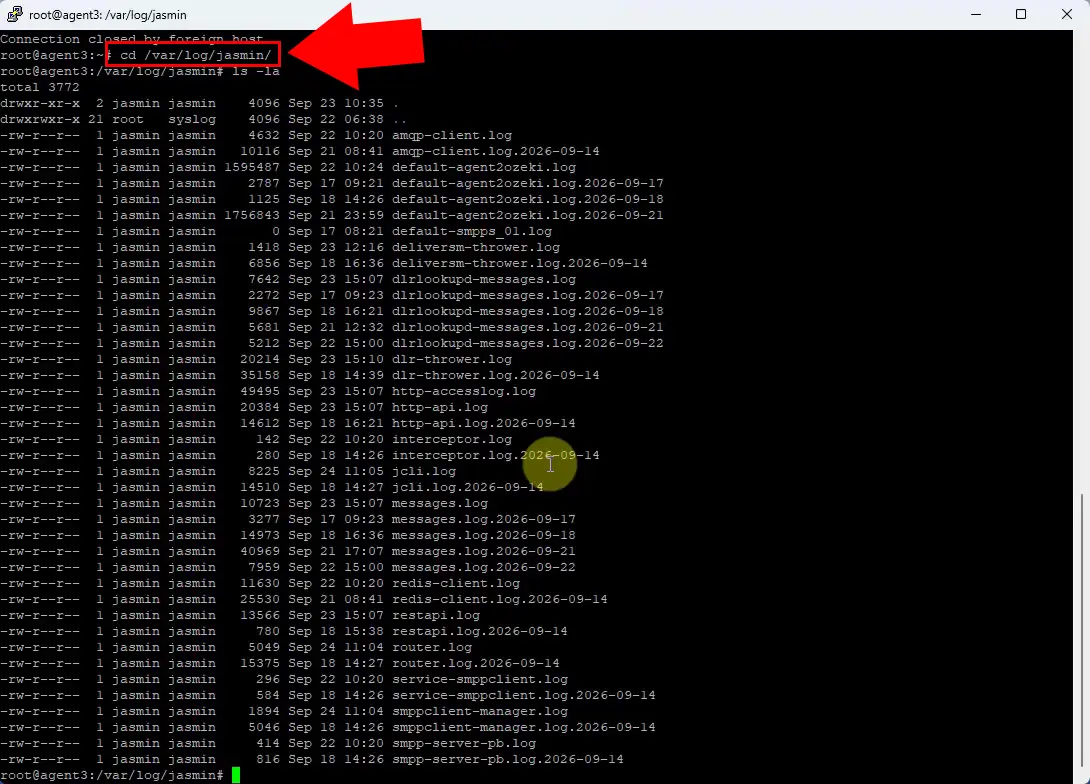
Jasmin logs are accessed by navigating the filesystem and opening text log files with external editors or command‑line tools. Ozeki integrates log viewing into the web interface, showing logs in scrollable, filterable panels inside the browser. This centralizes monitoring and avoids manual file handling.
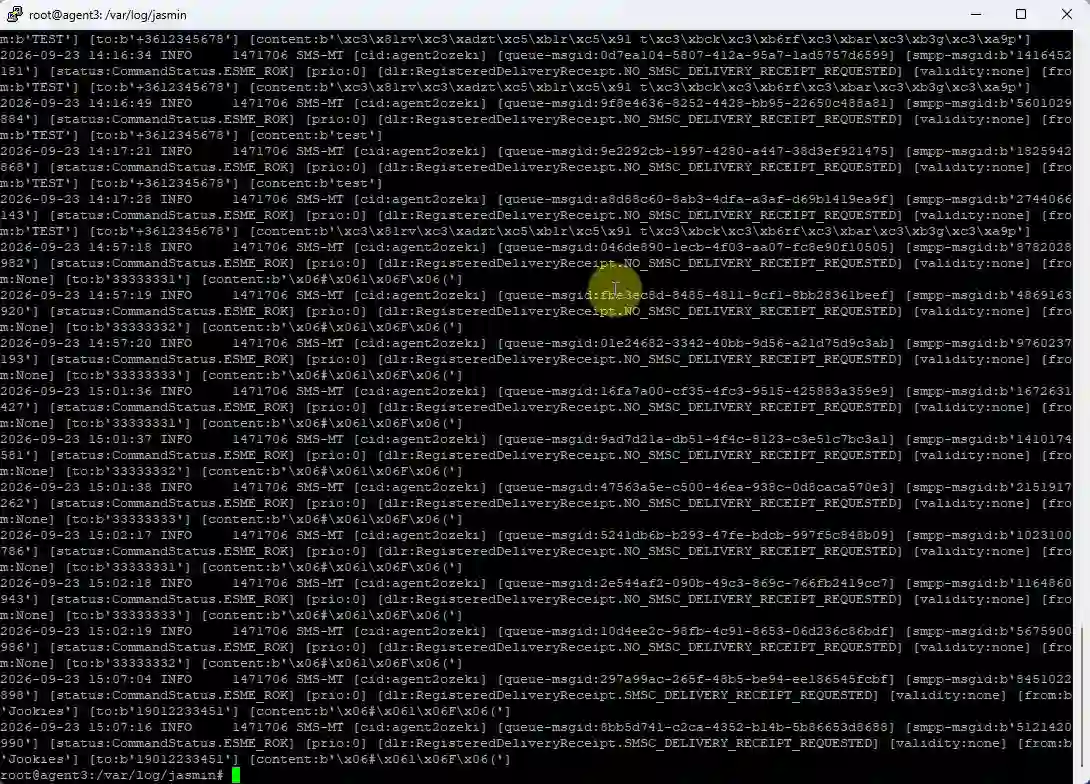
Messaging logs in Jasmin appear as raw text entries that must be parsed manually to extract useful information. Ozeki presents messaging logs in a structured, searchable table with message IDs, statuses, timestamps, and directions. The browser UI turns log analysis into a point‑and‑click task rather than text parsing.
How to modify Ozeki SMS Gateway config and check logs
The Jasmin user concept is represented in Ozeki as a dedicated user object visible in the web user management screen. Instead of creating users via CLI commands, administrators define Jasmin‑compatible users through browser forms. This aligns user management with the rest of the GUI workflow.
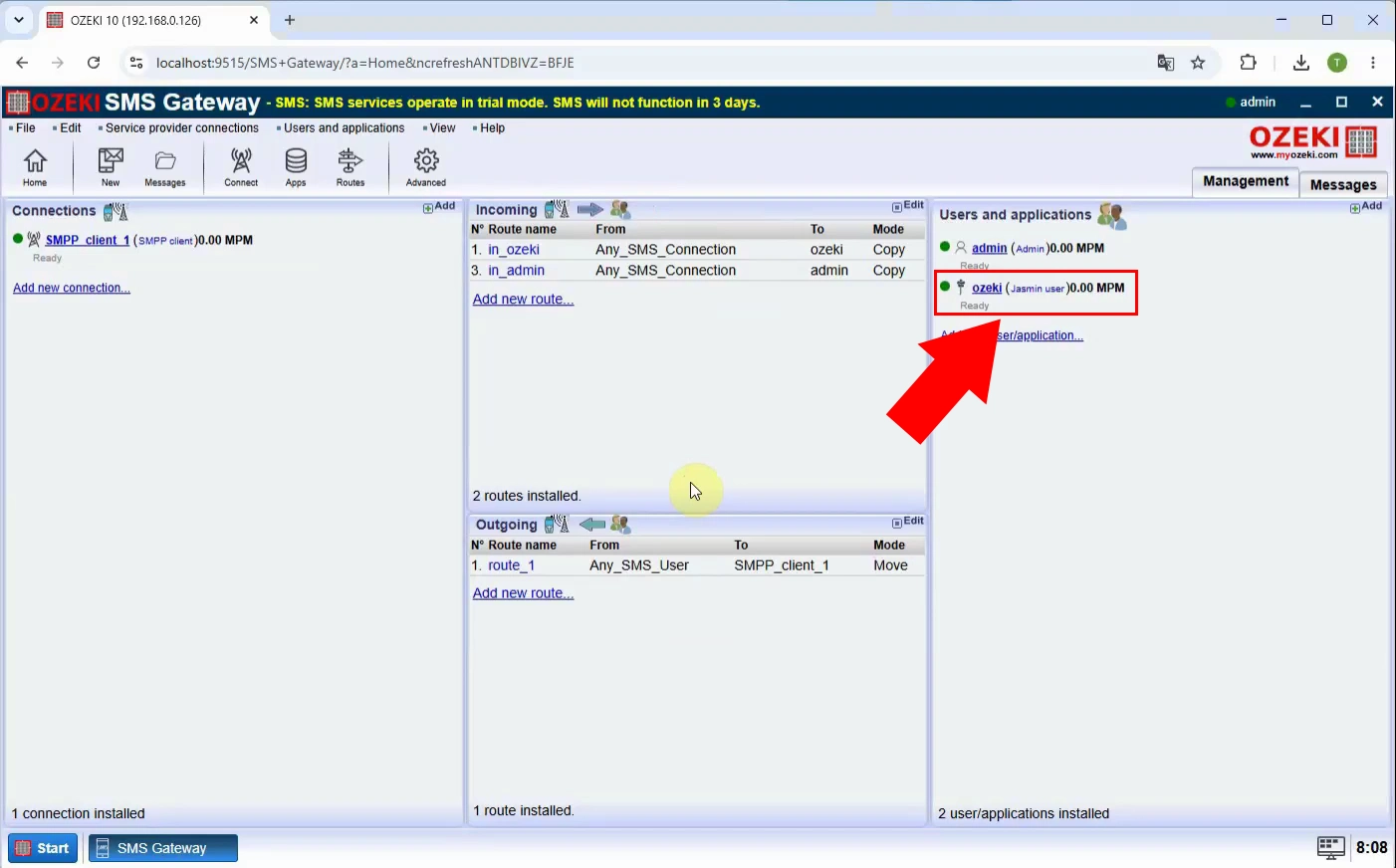
Jasmin user configuration in Ozeki is done via a graphical settings page with checkboxes, input fields, and dropdowns. In pure Jasmin, the same properties are set through text commands and parameter lists. The Ozeki UI simplifies user configuration and makes options self‑documenting.
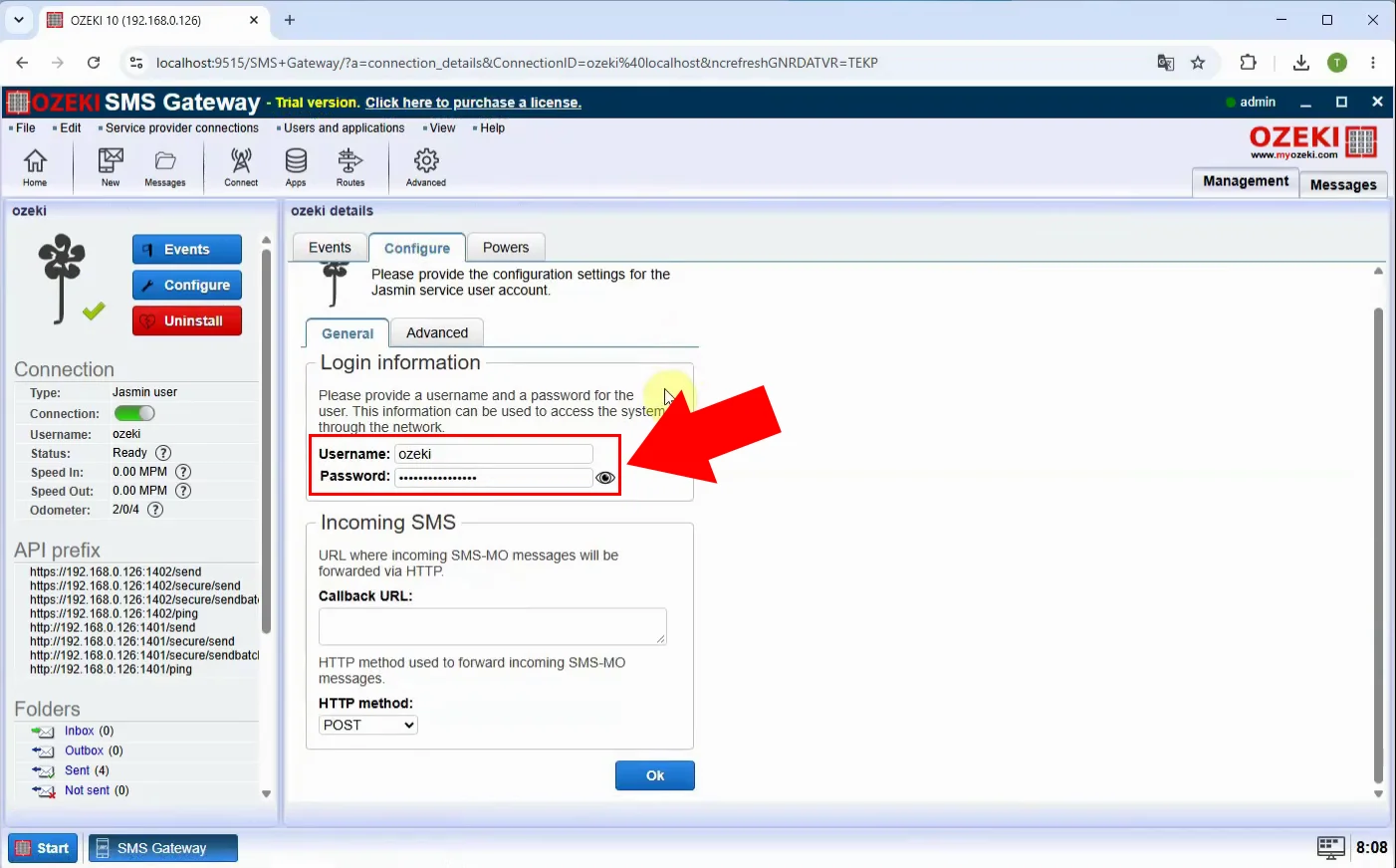
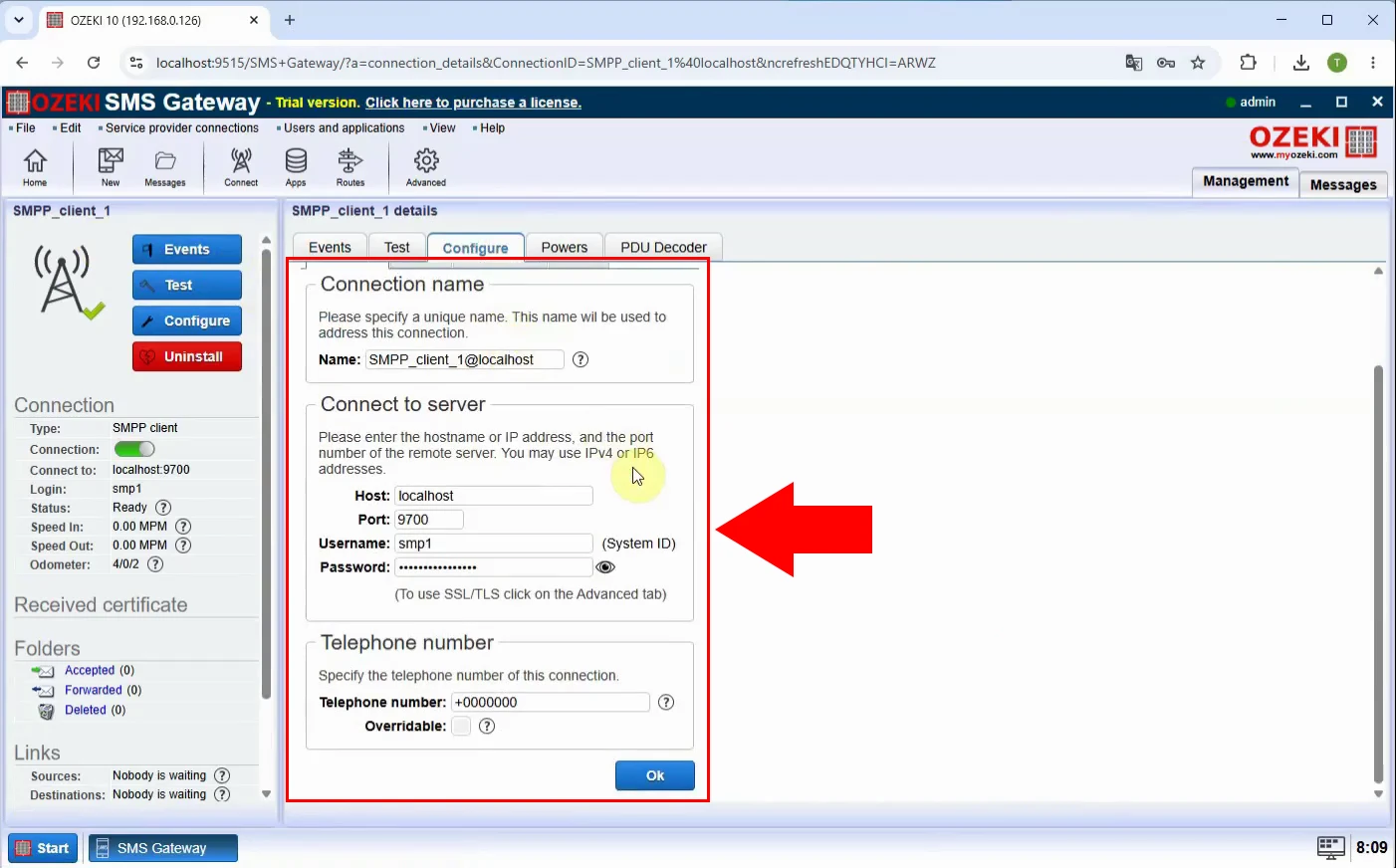
SMPP connections in Ozeki are configured using visual connection profiles with named fields for host, port, credentials, and options. Jasmin requires equivalent settings to be entered as text parameters in the telnet interface. The browser UI provides clearer structure and immediate feedback on SMPP configuration.
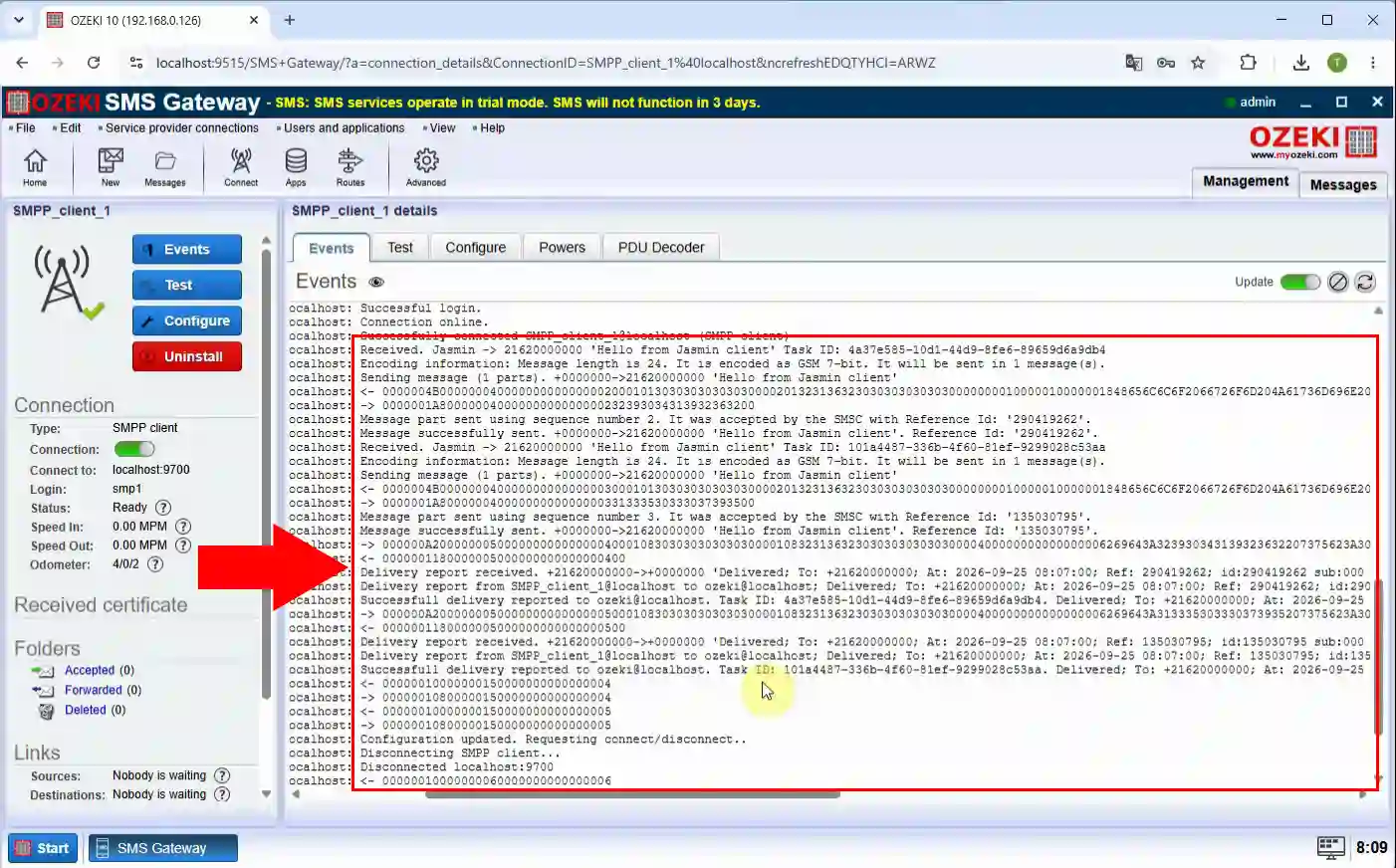
Ozeki shows HTTP API activity in a dedicated log view within the web interface, with request/response details and status indicators. In Jasmin, HTTP activity must be inferred from generic text logs or external web server logs. The integrated GUI log makes HTTP API troubleshooting more direct.
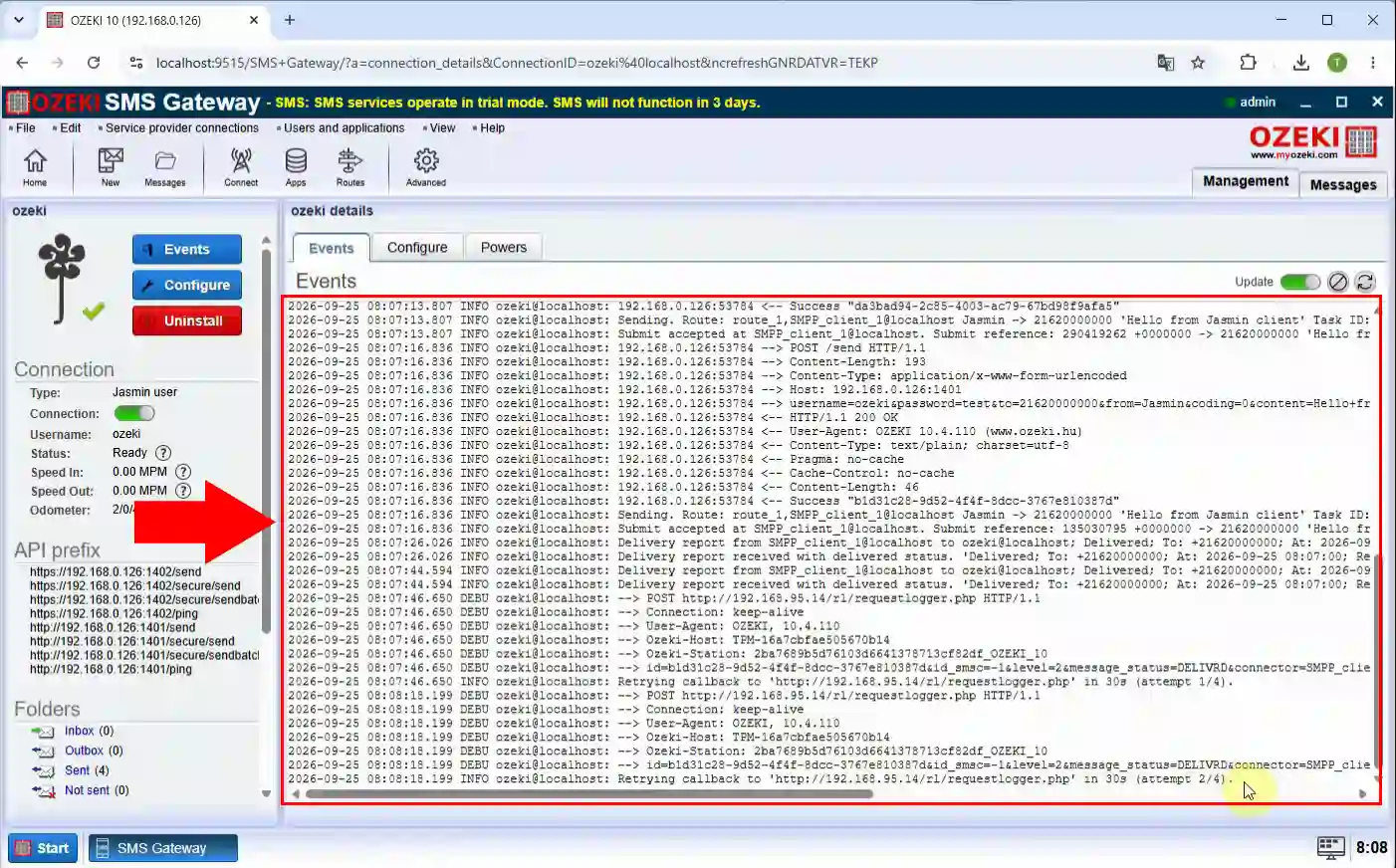
SMPP session and message traffic in Ozeki is displayed in a specialized SMPP log panel inside the browser, with direction, PDU types, and results. Jasmin exposes similar data only as lines in text log files that must be opened and scanned manually. Ozeki’s visual SMPP log accelerates diagnosis of connection and delivery issues.